
Pricing
inblog offers a Free Plan, while the paid Team Plan starts at $39/month and adjusts with monthly page views up to $299/month for unlimited traffic.
inblog offers a Free Plan. The paid Team Plan starts at $39/month (excluding VAT), with pricing based on your monthly page views:
| 30-Day Page Views | Monthly Fee (excl. VAT) |
|---|---|
| 0 – 10,000 | $39 |
| 10,001 – 100,000 | $79 |
| 100,001 – 200,000 | $149 |
| 200,001 or more | $299 (unlimited traffic) |
You do not select a pageview tier manually. Every tier includes the same Team features; only the price adjusts automatically from each blog's billable pageviews.
What's Included with an inblog Subscription?
Custom domain connection is self-serve — you set it up directly in the inblog dashboard at no extra charge. Note that the cost of the domain itself (purchased from a registrar such as GoDaddy or Namecheap) is separate from your inblog subscription.
Lead Capture Tools
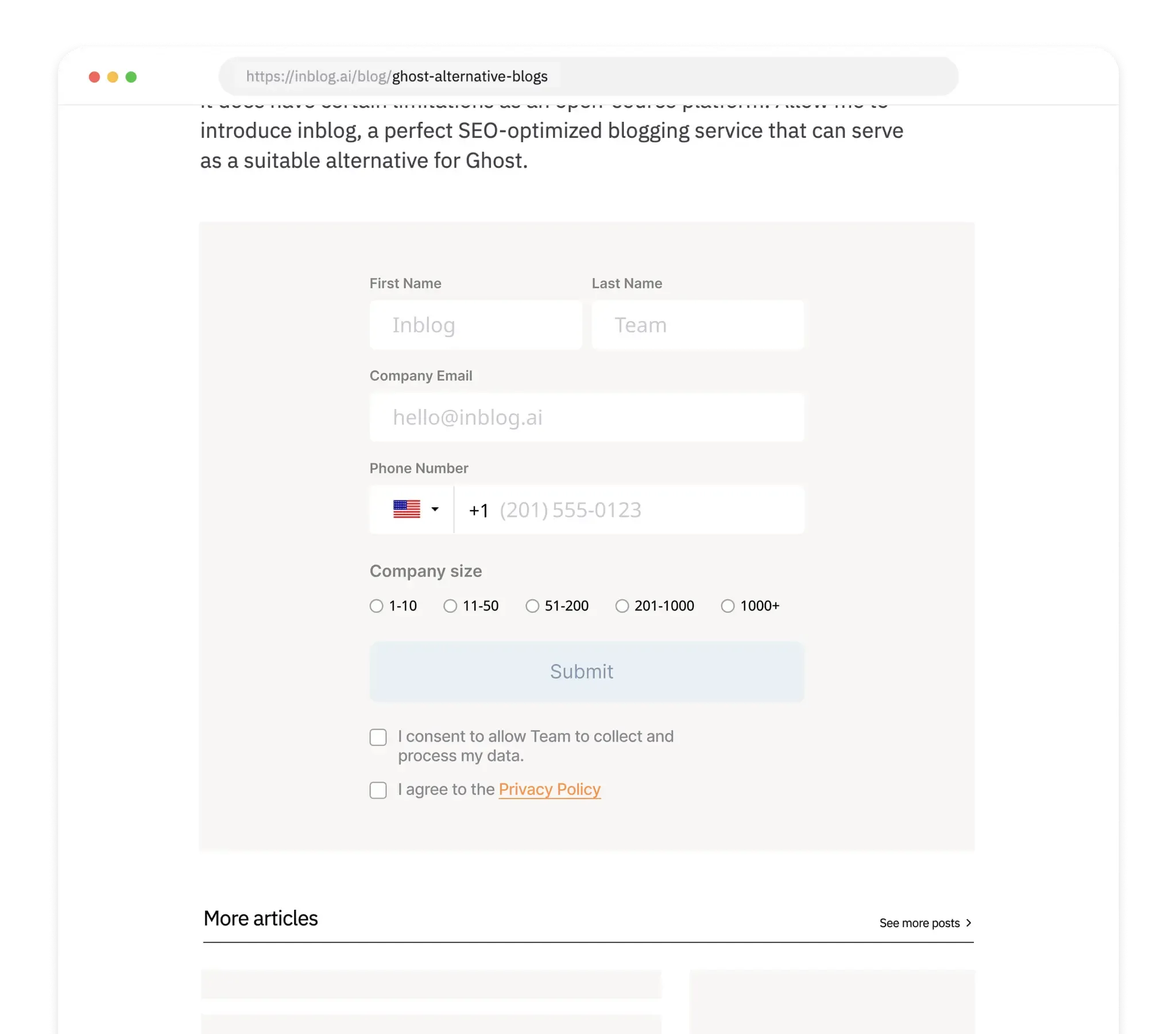
The purpose of a blog is to capture leads. inblog provides built-in lead forms, and supports integrations with CRM or email tools via Zapier.
Blog Analytics
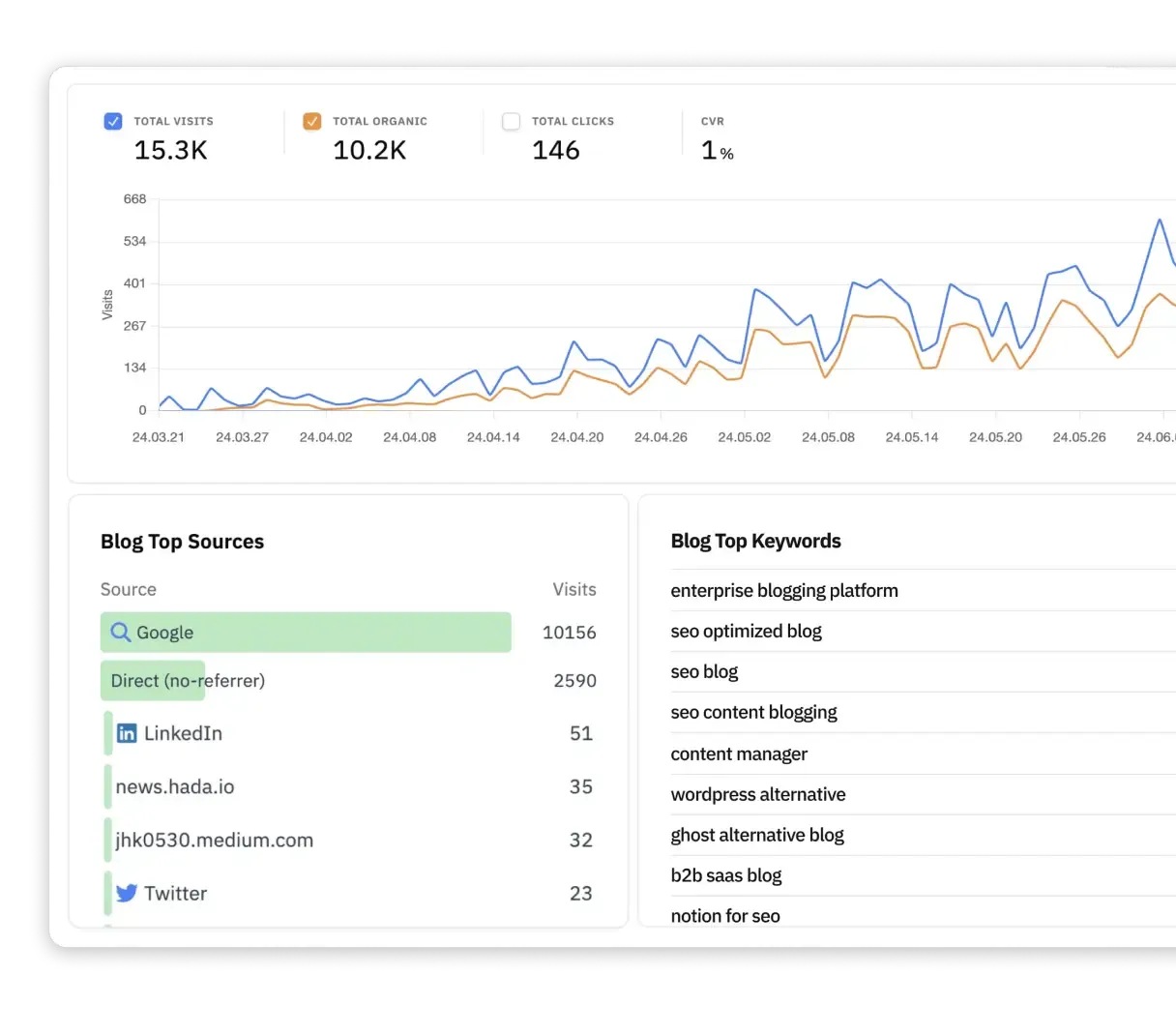
- See what keywords are bringing users to your blog
- Track Google search rankings via Search Console integration
- View detailed analytics with Google Analytics, or connect to tools like Mixpanel, Hotjar, and more
Integrations with CRM & Marketing Tools
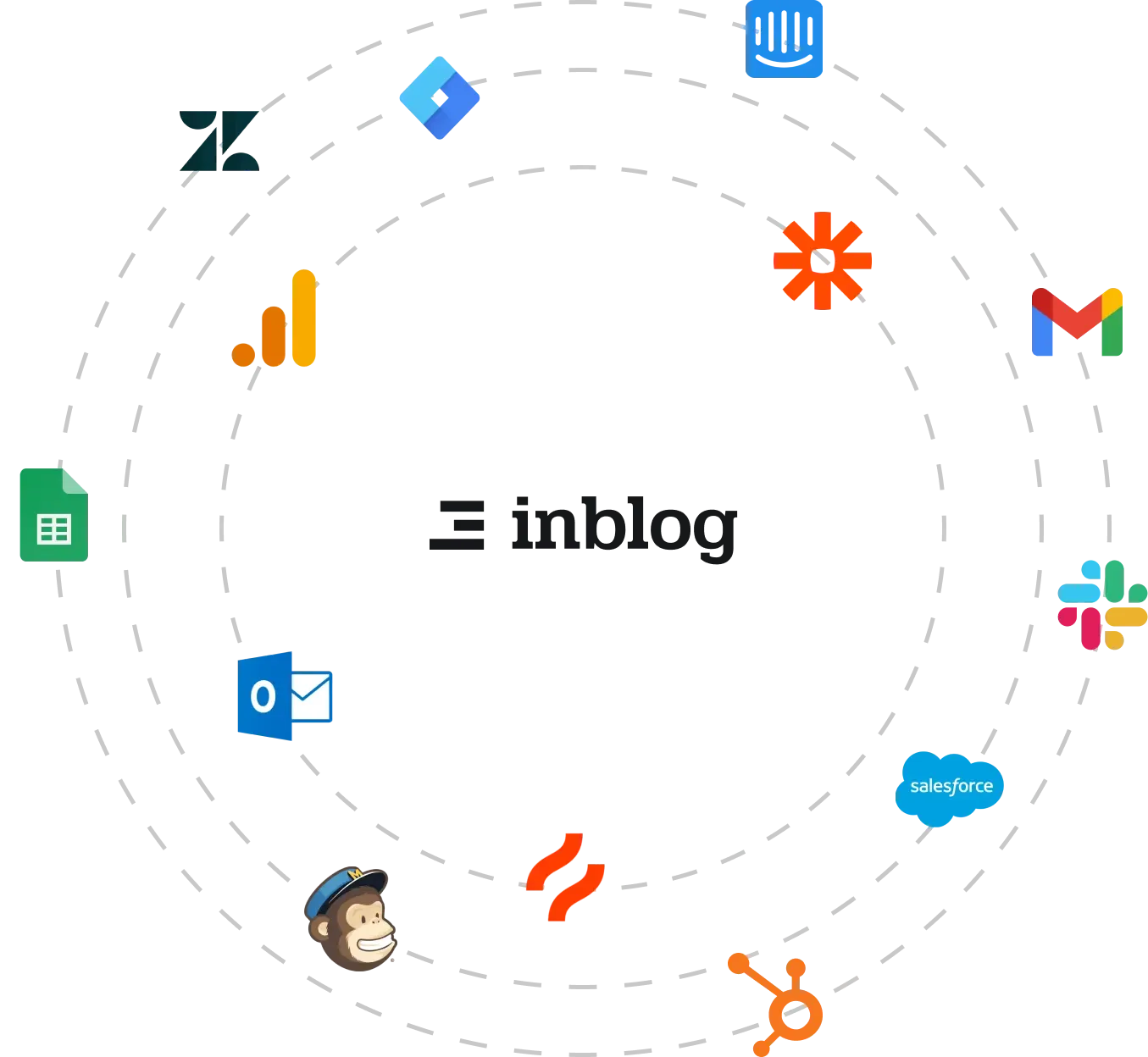
Connect with your tools of choice:
- Email marketing: Stibee, Mailchimp
- CRM: Salesforce, HubSpot
- Product analytics: Amplitude, Mixpanel
- Customer support: Intercom, ChannelTalk
Understanding Page Views
What is a Page View, and How is It Counted?
inblog counts "Total visits" shown in your dashboard as page views. These include:
- Blog main page: https://inblog.ai/blog
- Post page: https://inblog.ai/blog/ghost-alternative-blogs
- Category page: https://inblog.ai/blog/category/seo
- Author page: https://inblog.ai/blog/author/liana-madova-031270
Paid ad traffic to post pages is also included in page view counts.
Note: Visits with the URL parameter ?traffic_type=internal are excluded from page view tracking.
How Can I Check My Current Page Views?
- Go to your dashboard
- In the top right, set the date range to Last 1 Month
- Look at the Total visits value
How Are Duplicate Page Views Counted?
We follow Google Analytics 4 (GA4) standards:
- Page reloads = count as new views
- Back button = does not count
- Returning to a page via navigation = counted again
- Example: A → B → C → [Back to B] → D = 4 total page views
Frequently Asked Questions (FAQ)
Is there a free trial?
Yes. You can try the Team Plan for 14 days without registering a card. The 14 days begin when you start the trial.
What happens after the 14-day trial if I don't upgrade?
If you don't start a paid subscription after your trial ends, your blog automatically converts to the Free Plan without an automatic charge.
On the Free Plan, you can:
- Keep your blog publicly accessible (visitors can still view it)
- Publish new posts
- Get indexed by Google (new domains may take up to 4+ weeks to appear in search results)
Features not available on the Free Plan:
- Custom domain connection
- Google Search Console integration and analytics
- Lead capture forms and other paid features
You can start a paid subscription at any time to regain access to all features.
How does billing work?
You do not select a tier manually. When you start or restart a Team subscription, the first charge is calculated from the blog's billable pageviews over the previous 30 days and rechecked before Paddle Checkout opens.
For later renewals, the next price is adjusted automatically from billable pageviews in the current billing cycle. There is no configurable traffic or spending cap, and the blog does not go offline when it reaches a higher tier.
Why is my actual charge higher than the listed price?
Every price on this page excludes VAT and other taxes. Payments are processed by Paddle, which adds the tax that applies in your country, so the amount on your card is higher than the listed price.
For example, with 10% VAT in South Korea, the $39/month entry tier is charged as about $42.90.
- To see exactly which taxes and line items were applied, check the Paddle invoice issued after each payment.
- If you're a business, you can register your company name (required), country (required), postal code (required for some countries), and tax number under Business information in the Subscription tab. If Paddle validates the tax number, taxes on future invoices may be adjusted — that outcome is determined by Paddle. Depending on the payment method used when the subscription started, you may be directed to an external billing portal instead.
- Past invoices aren't changed automatically, but you can update one yourself from Revise a past invoice in the same section (the 20 most recent invoices are listed). Each invoice can be revised only once: its country and line items can't be changed, and the original transaction isn't repriced, though Paddle may issue a separate tax adjustment.
- The Subscription tab is visible only to blog owners and admins, and Business information appears only for blogs that have a subscription.
Can I pay annually?
Yes, for high-traffic plans. Pay $2,990/year (excl. VAT) up front—a 2-month discount—and enjoy unlimited traffic and full access to all features for 12 months.
Canceling mid-term does not provide an automatic prorated refund; the plan remains active through the prepaid term. Applicable consumer rights and the refund policy still apply.
Will I receive an invoice?
Yes. Paddle issues an official USD invoice after each successful payment. You can download it from the dashboard or the email used at checkout. Payments are card-based; bank transfers and Korean electronic tax invoices are not supported.
Can I update my credit card?
Absolutely! You can update your payment method anytime.
How can I cancel my subscription? What happens to my blog?
Go to Subscription & Billing in the dashboard and choose Cancel Subscription. There is no separate pause feature; cancellation takes effect at the end of the current billing cycle.
Canceling does not delete your blog or posts. Your blog stays publicly accessible and converts to the Free Plan:
- Kept: published posts, public blog access, new post publishing, Google search visibility
- Paused: custom domain connection, Google Search Console & analytics, lead capture forms, and other paid features
The custom domain is disconnected on the Free Plan, so URLs indexed under that domain return 404 until you resubscribe and reconnect it. When you start a paid subscription again, your other settings and paid features can be used again.
Are subscriptions and pageviews combined across my account?
No. Subscriptions and traffic are calculated per blog (workspace). If one account runs multiple blogs, or separate blogs for different languages, each blog needs its own subscription. Only the blog owner can manage billing for an existing blog from its dashboard.
Can I request a refund?
You may request withdrawal within 7 days of the initial purchase if you have not substantially used the paid features, as described in our Terms of Service. Cancellation prevents future renewals; it does not automatically refund the current term. Contact support to request a review.
Are there any costs beyond the monthly subscription fee?
No additional fees are charged by inblog. However, the following costs arise outside of inblog:
- Custom domain registration: Purchased directly from a domain registrar (e.g., GoDaddy, Namecheap). This is not included in the inblog subscription.
- Third-party integrations: Any fees from tools like Google Analytics, Zapier, or CRM platforms follow those services' own pricing.
Last updated 2026-07-30