
Managing Leads
View and manage collected leads from the Leads sidebar, organized by lead form for easy tracking.
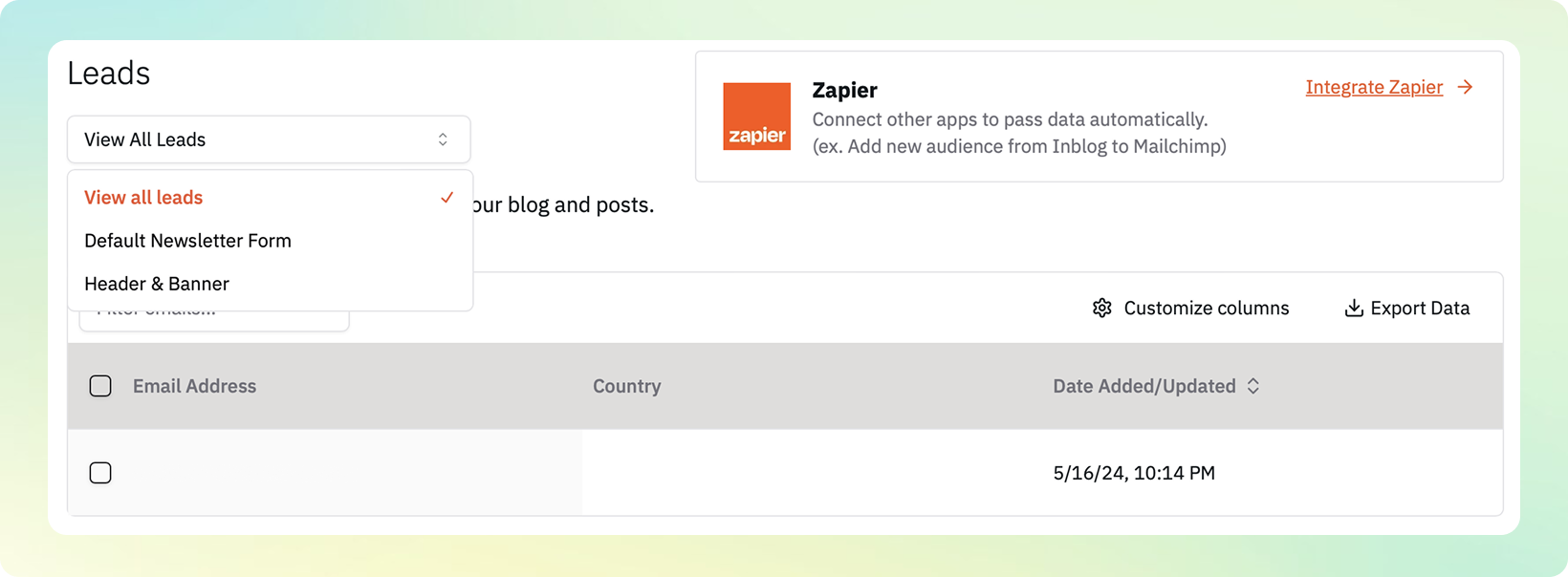
To view and manage collected leads, go to Leads from the left sidebar. Each submitted form is organized by its corresponding lead form, allowing you to track performance and responses.
Exporting Lead Data
With View all leads selected, click Download Excel by form to download one XLSX workbook. Each form appears on its own worksheet, and each form submission is a separate row with its contact, country, submission time, source, and form-specific responses. Header and banner submissions appear on their own worksheet. Direct subscriptions are stored separately with their contact and subscription time.
To download a CSV for a single form, select that form first and click Download CSV. The CSV includes the fields configured for the selected form.
Zapier Integration
inblog supports Zapier integration for automating lead workflows. You can connect lead forms to external tools such as:
-
CRM platforms (e.g., HubSpot, Salesforce)
-
Email marketing tools (e.g., Mailchimp, ConvertKit)
Once connected, new leads are automatically sent to your preferred tools in real time.
Last updated 2026-07-29