
Set up phone forms and subdirectories with clearer defaults
Phone fields can follow each visitor's country or a saved default, while subdirectory setup now keeps the connection guide available when DNS is not ready.
Two common setup flows now keep the next step clear instead of leaving a configuration looking unfinished.
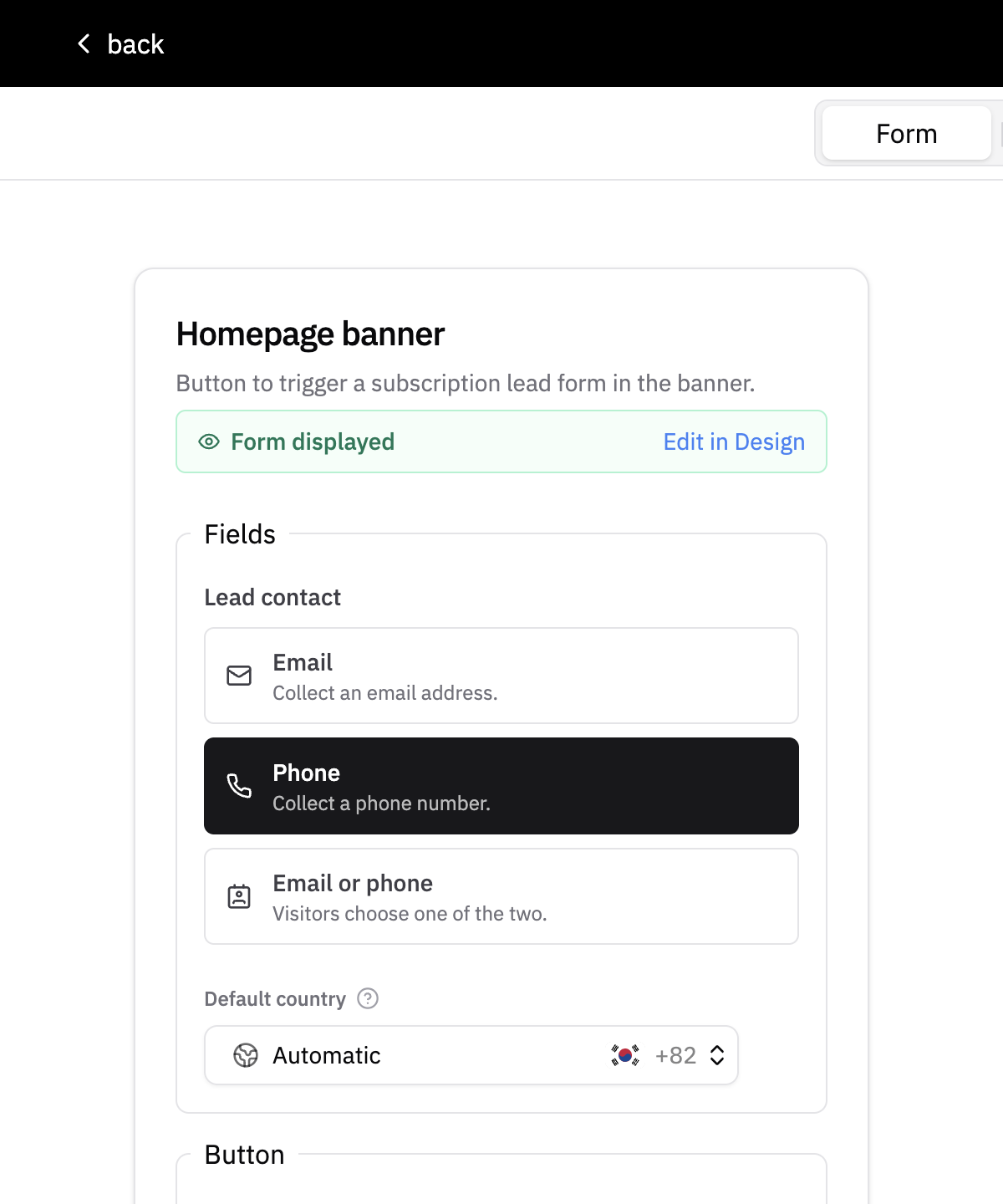
- Consistent lead contact choices: choose Email, Phone, or Email or phone across every form placement. The builder shows full descriptions, visually distinguishes lead contact fields, and keeps the existing field order while you make changes.
- A default country for every phone field: leave it on Automatic to follow each visitor's current country, or save a specific country that always takes priority.
Subdirectory setup is easier to recover too:
- You can save a subdirectory and open its connection guide before public DNS is ready. The page explains whether to check DNS records or try the lookup again.
- Default
*.inblog.ioaddresses no longer show a custom subdirectory warning, and verification is more reliable on larger pages.