
A clearer custom-domain setup
Compare domain formats, hand DNS instructions to a developer, and align subdirectory URLs with the address format your website actually serves.
Custom-domain settings now explain the available choices and keep the next step visible throughout setup.
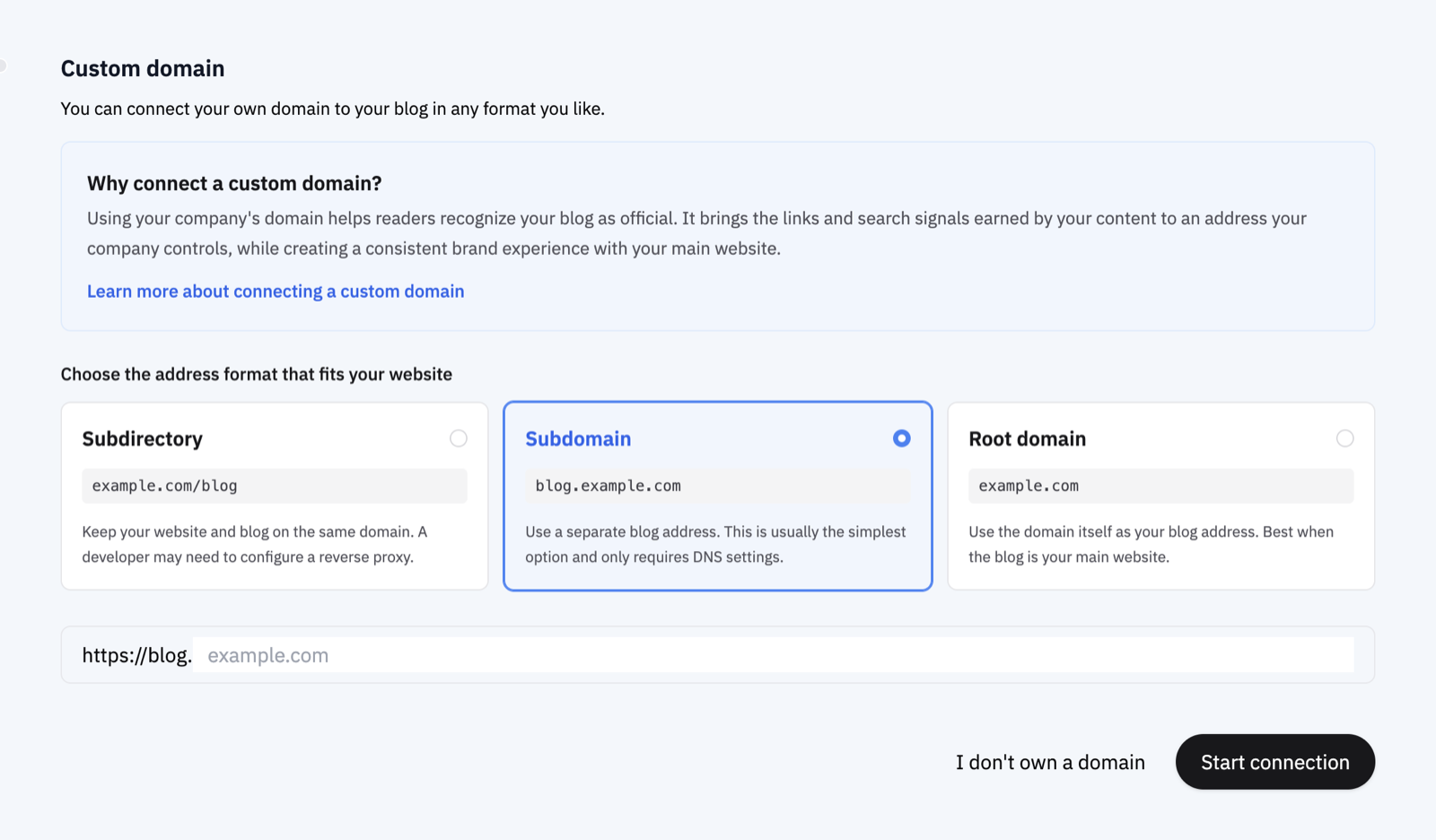
- Compare address formats before connecting: review subdirectory, subdomain, and root-domain options with examples and guidance for when each one fits.
- Hand off DNS work in one step: copy a ready-to-send request containing the address and required DNS records for the person who manages your domain.
- See what is happening during connection: clearer status messages cover DNS checks, certificate issuance, unsupported website platforms, and configurations that need an updated connection guide.
- Match the URL your website serves: subdirectory blogs can automatically detect or manually use a trailing slash so canonical URLs, sitemaps, structured data, and internal links point to the final address consistently.